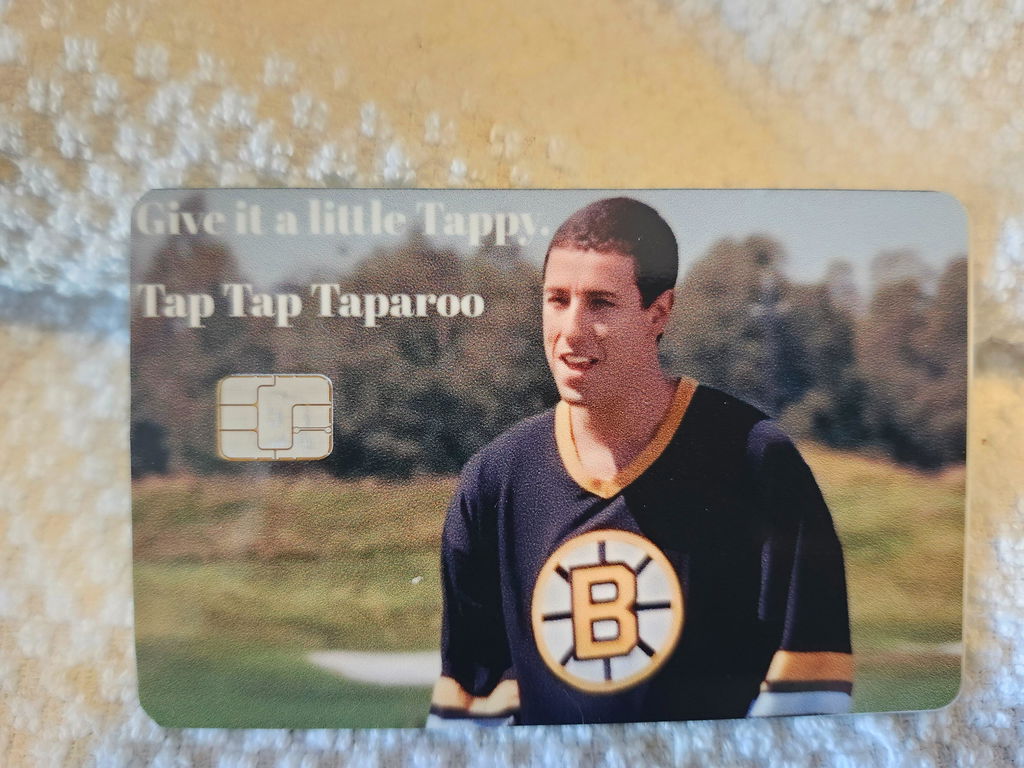
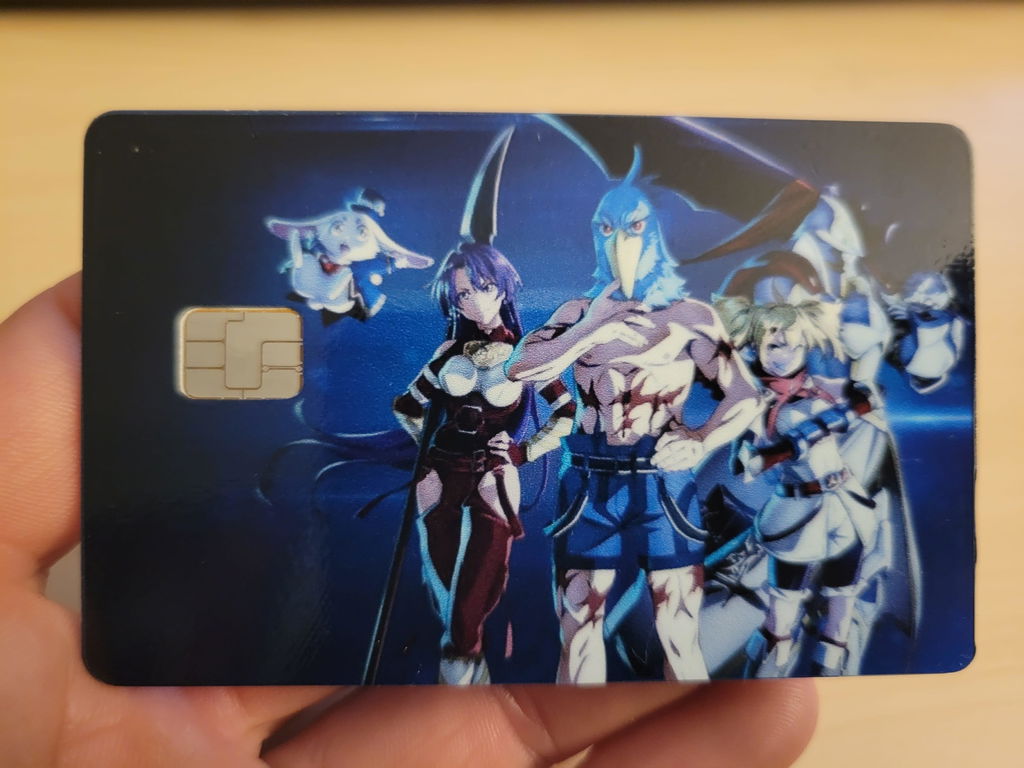
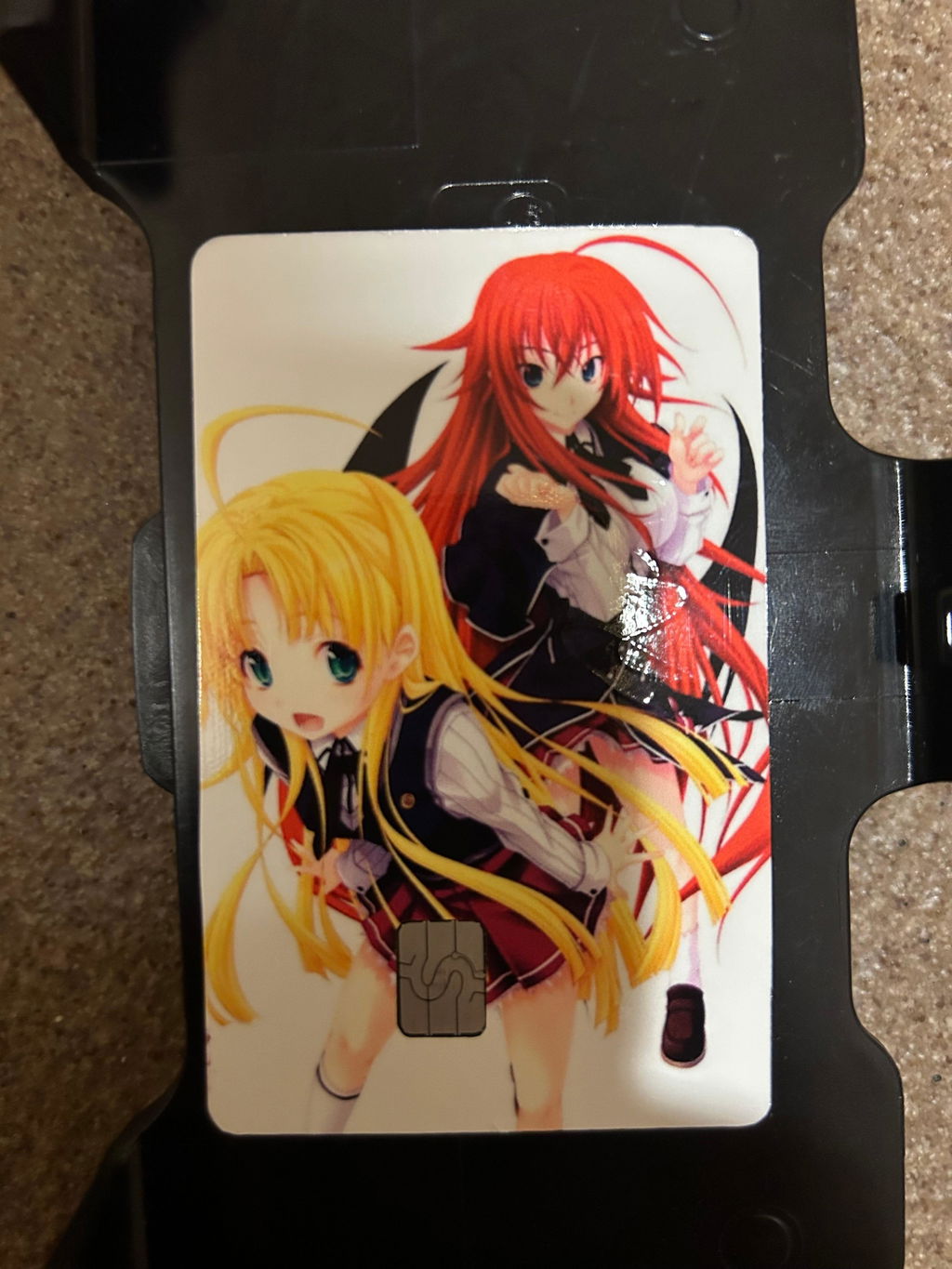
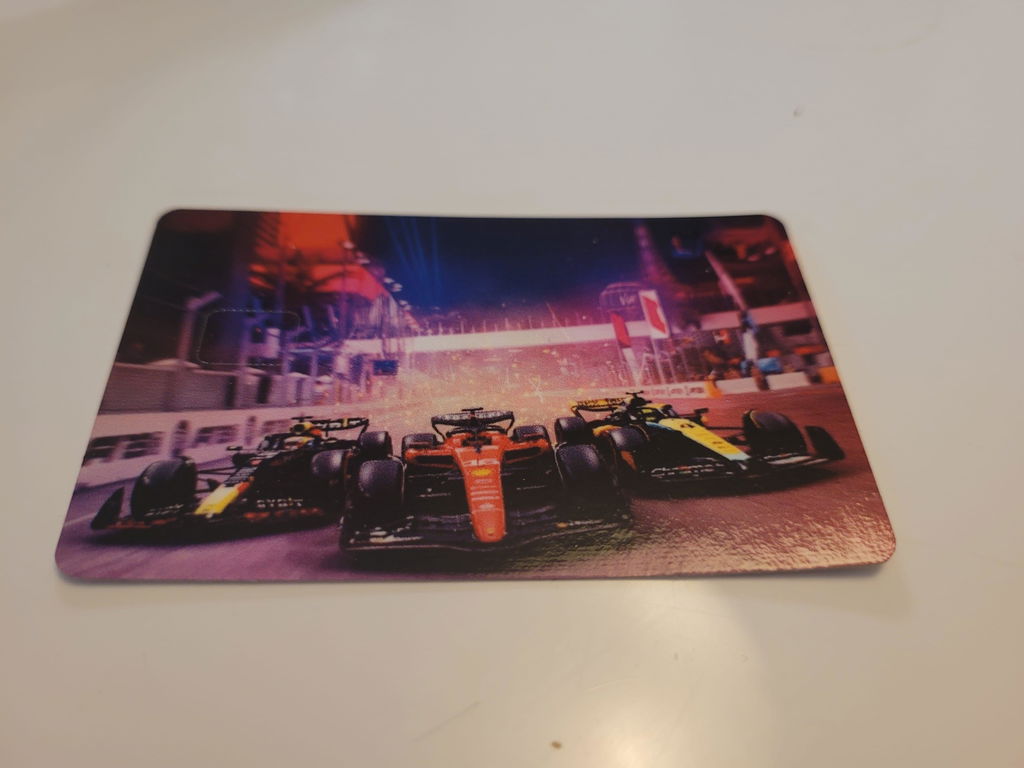
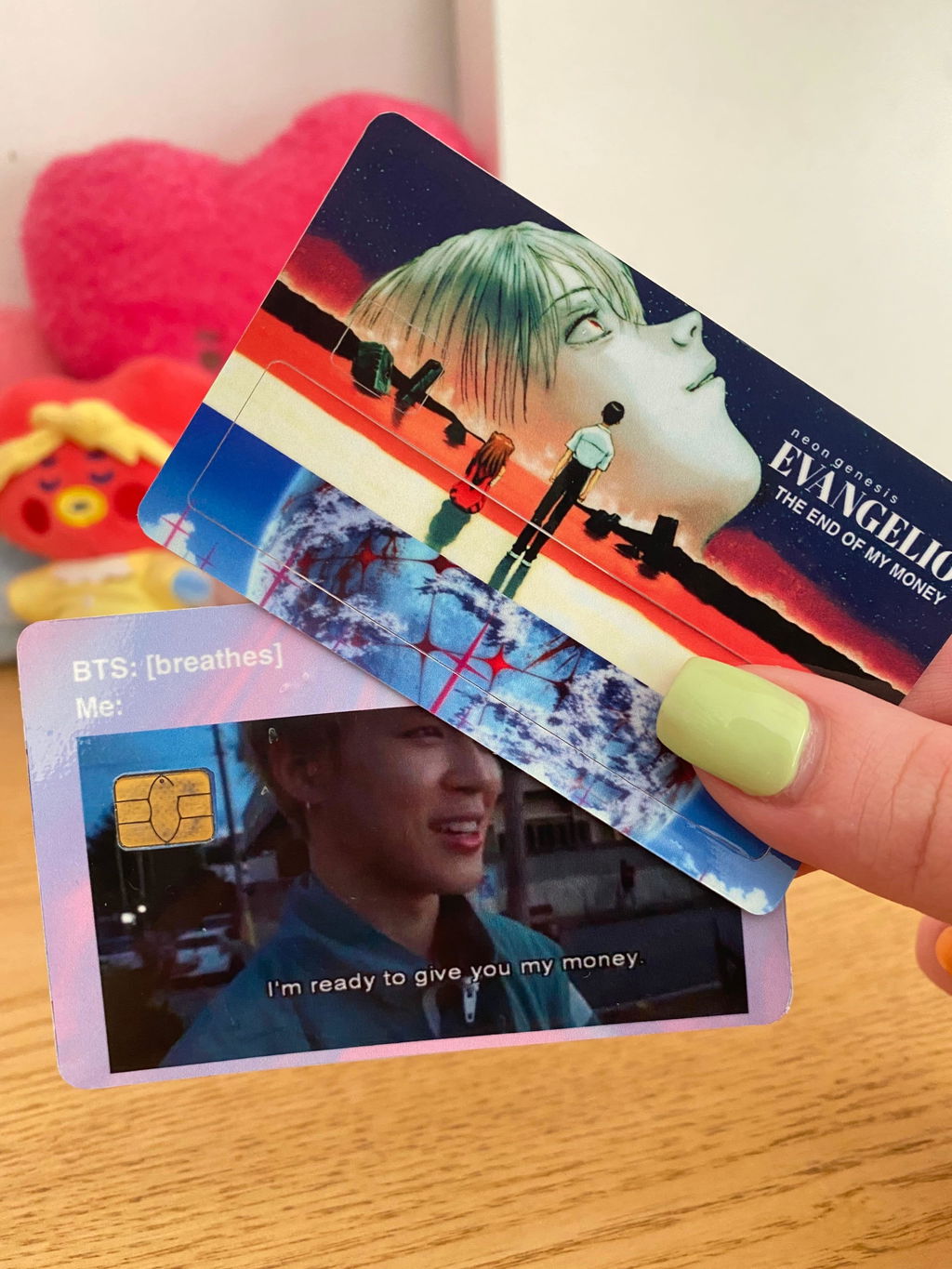
I love the ability to design my own cover. I am an anime fan and I am up on what is current but it takes time for trends to catch on.
J
Jesse Amalfitano
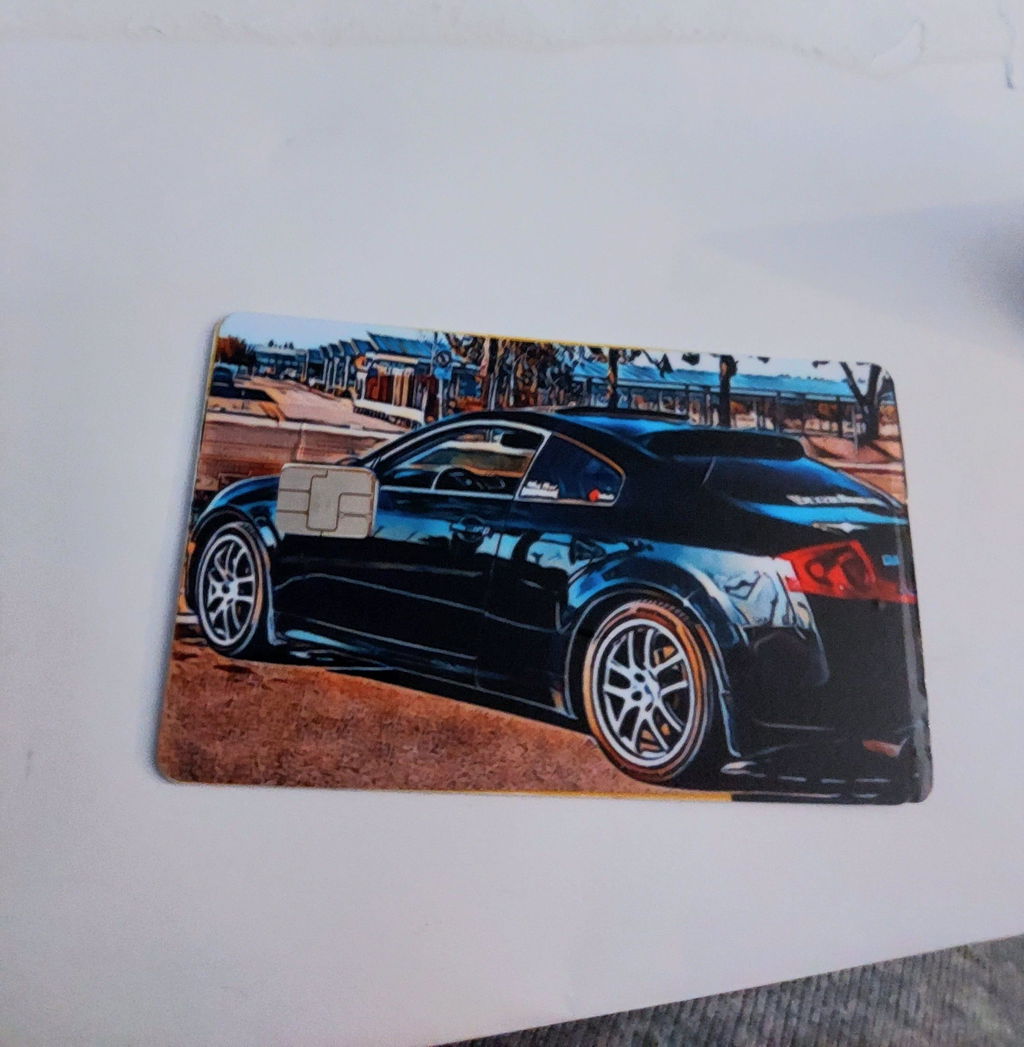
I really love the quality and detail of my own picture on it. When I go through the drive thru they take a second look at my car on my card. Can't wait to get another one.
J
Jose Gracia
Best one yet
D
Don Atkinson
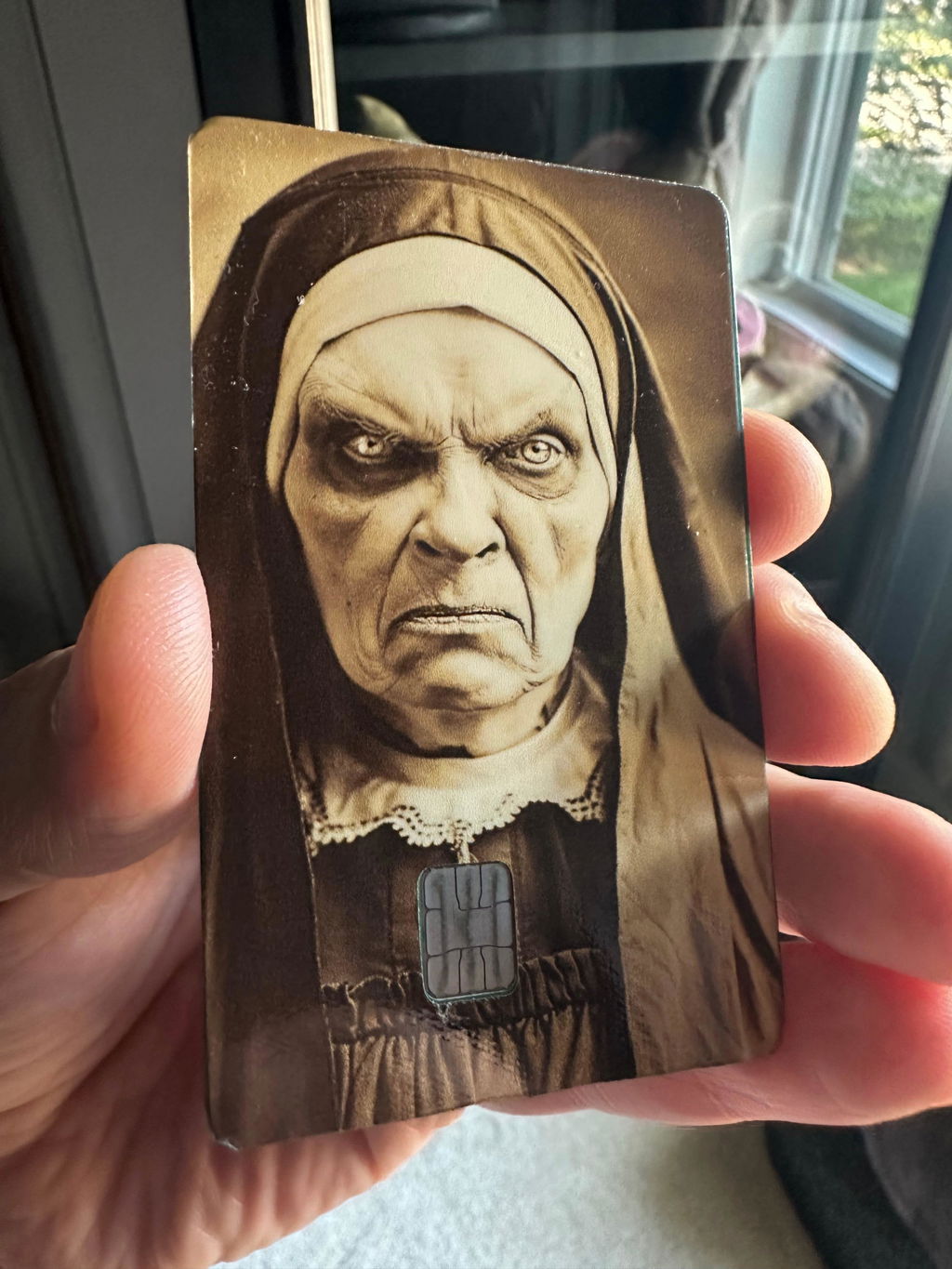
Looks great. Easy to apply. I get a lot of compliments and a few screams on the card cover. I wanted to have the chip placed where her pendant is, and the online template was dead on. Will definitely purchase more.
J
Jeromy
I love it very high quality sticks on really really good am definitely gonna be getting more of them highly recommend using CUCU Covers.
E
Elizabeth Bodenhorn
Badass! Really cool! Just what I wanted
R
RP Royal
I love these things. Totally customizable and it makes those boring cards fun and interesting.
K
Katlyn Henderson
Love that I can create anything for my cards
H
Harlow Cameron
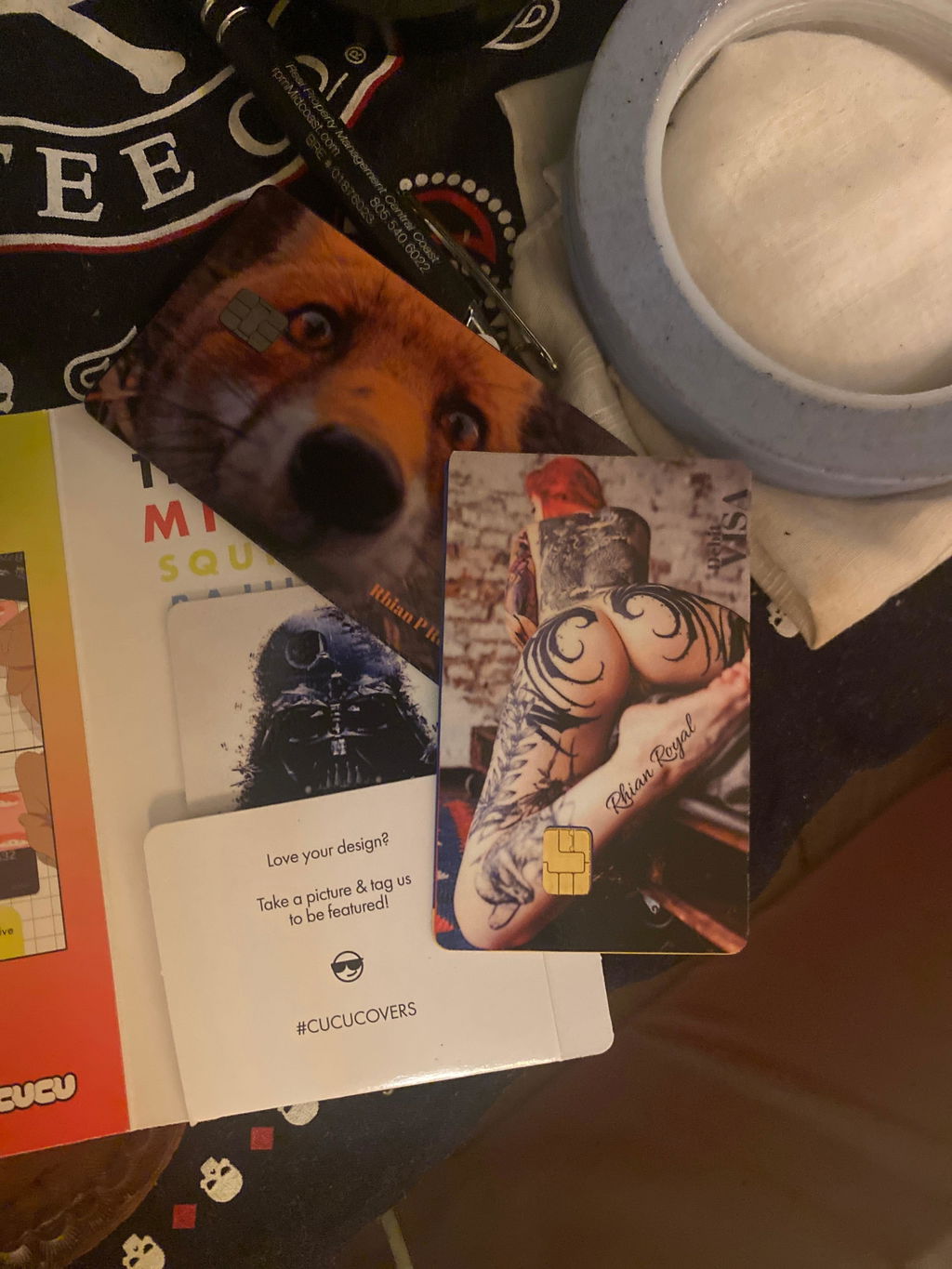
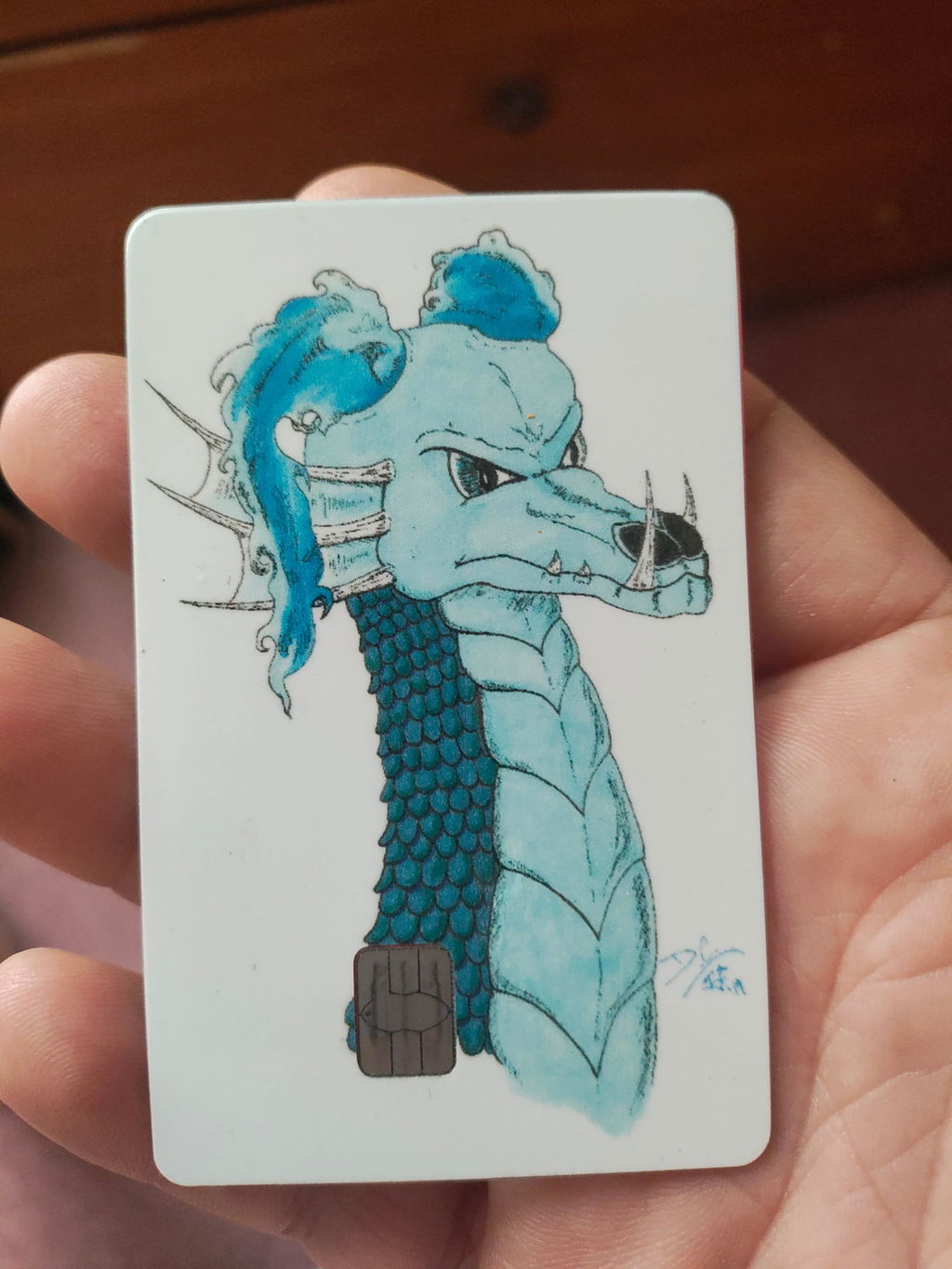
As an artistic am always looking for ways to show off my work. Most of the time the translation form my piece to something like this fails due to grainy images, blurring, or just very poor transition.
However CuCu Covers did an INCREDIBLE job! It came out perfect! Clear, bright, and not stretched or compressed! It is so beautiful!
Reviews in Other Languages
M
Maria Jose Guzman Ponce
Están muy padres, me gusto ma calidad, tardo en llegar pero todo fue dentro del tiempo prometido